
Name-Based Case Searches
Colorado's free Judicial Docket Search comes in three modes: Individual, Business, and Attorney. For a Sedgwick individual, type the first and last names. Businesses get a dedicated field of their own. A Sedgwick attorney lookup accepts a first and last name or a bar number of one to six digits. Remember that the results cover only hearings inside the date window, not every case tied to the name.
- Open the Sedgwick-prefiltered Docket Search.
- Select Individual or Business, then enter the matching Sedgwick name fields.
- Choose a date range and keep Sedgwick County selected.
- Add Sedgwick County, District, Both, a case class, or another useful filter.
- Select Find Dockets and compare the complete Sedgwick case number before relying on a match.
| Field Label | Type | Required | Notes |
|---|---|---|---|
| Individual / Business | Radio | For Sedgwick party mode | Chooses which name fields appear |
| First Name / Last Name | Text | As applicable | Used for a Sedgwick individual |
| Business Name | Text | As applicable | Used for a Sedgwick entity |
| Attorney Name / Bar Number | Radio | For Sedgwick attorney mode | Bar number accepts one to six digits |
| Date Range | Dropdown | Yes | One more Sedgwick filter is also required |
A shared surname in Sedgwick County often pulls up several matches at once. Check the court level, the class letter, the year, the sequence, the hearing type, and the location before trusting any single hit. A name that matches is not the same thing as the right case.
Sedgwick Docket Search Portal
The Sedgwick-prefiltered docket costs nothing to use. No login is needed either. From there you can narrow the Sedgwick County court docket by the 13th Judicial District, Sedgwick Combined Court, County or District Court, division, date, year, class, sequence, party, or attorney. One validation rule applies: pick a date, then add at least one more filter before the docket search will run.
| Search group | Available fields | Format note |
|---|---|---|
| Court | Sedgwick District, County, Courthouse, Court Type, Division | Court Type offers Both, County, District |
| Date | Sedgwick Date Range, Specify A Date | Today through six months or a specific date |
| Case | Sedgwick 4-Digit Year, Case Class, Case Sequence | Sequence accepts one to six digits |
| People | Sedgwick party or attorney name, attorney bar number | Select the matching mode first |
That six-month setting on the Sedgwick County search is simply a date control. It does not promise a full Sedgwick case history. Matters that are older, sealed, offsite, or not yet scheduled may sit outside the portal, so the clerk or a record request form may still be the way in.
Case Number Searches
Colorado trial case numbers arrive in three pieces. You enter a four-digit year. Then comes an alphabetic class and a numeric sequence, in the pattern YYYY-CLASS-SEQUENCE. The Sedgwick County form has no single box for the whole number. Split it before you search the docket. Class letters are a shorthand worth learning. C means County Civil and CV means District Civil. CR is District Criminal, DR is Domestic Relations, and M is Misdemeanor. PR covers Probate, S is Small Claims, and T is Traffic. The letter R points to a County criminal or infraction class. The official form does not expand it further. JD and JV belong to juvenile categories. The Sedgwick clerk treats them as something other than ordinary public files.
Number tip: If the Sedgwick result is empty, recheck each segment and try Both Sedgwick court types. A Sedgwick felony can begin in County Court and later move to District Court.
A Sedgwick case number beats a name when two captions look nearly the same. The result you get back still covers one scheduled event, though, not the whole register of actions behind the case.
Sedgwick ROA Search Limits
Need a fuller Sedgwick event history? The official public-access materials point to approved fee-based services such as CoCourts. For many civil, domestic, water, small-claims, felony, misdemeanor, and traffic matters, that service pulls real-time register-of-actions data by name or Sedgwick case number.
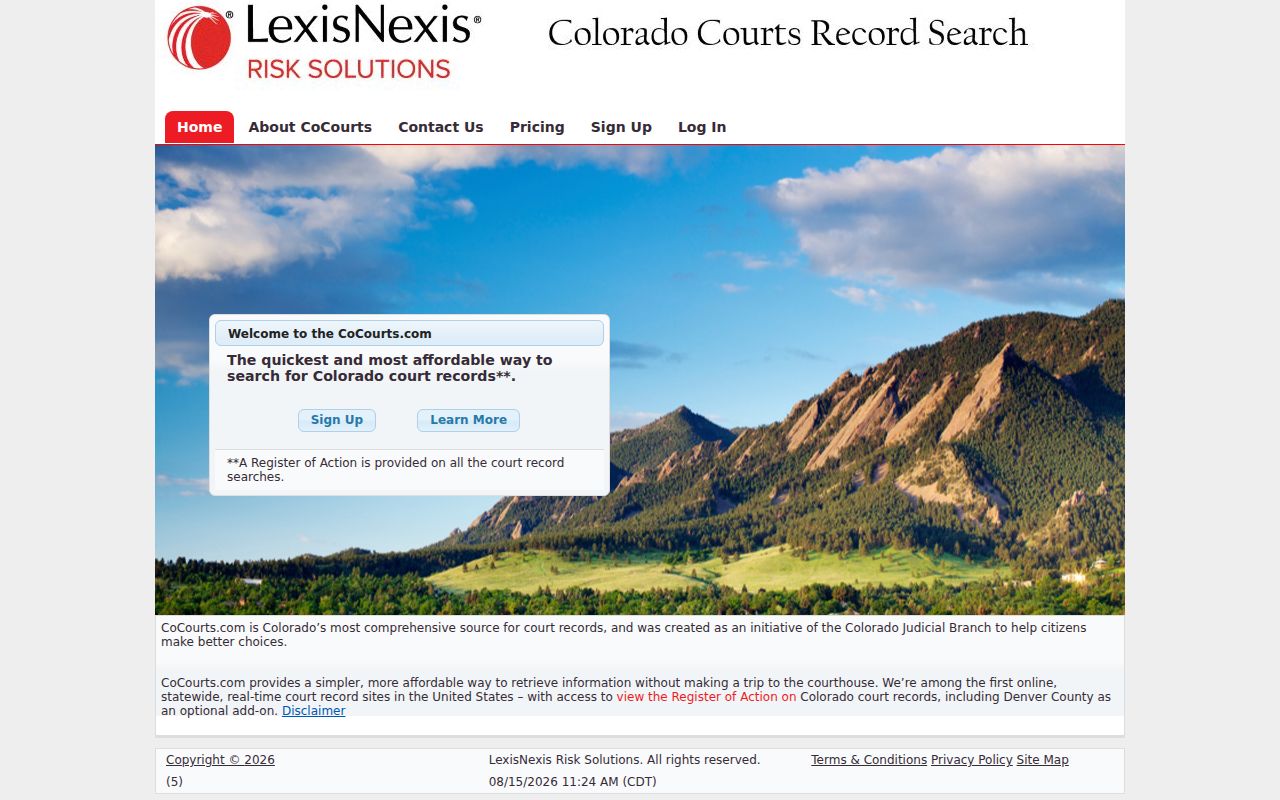
Think of CoCourts as a paid record-search layer for Sedgwick court records. It is not the clerk's certified record. The Judicial Branch itself warns that vendor data can carry errors or omissions.
Missing a case you expected to see? Try the free hearing calendar first. Then contact Sedgwick Combined Court or file the statewide document request. The vendor's field labels, retail price, refresh schedule, and historic coverage are not published. Treat those details as unknown.
Case Search Results Explained
Sedgwick docket results come back as hearing cards. A card may list the date, time, estimated duration, displayed name, full case number, hearing type, location, appearance type, and courtroom. Local results include entries such as First Hearing, Hearing on Advisement, and Status Conference, and county matters may show courtroom 5.
| Date and Time | The Sedgwick event start. |
|---|---|
| Duration | A Sedgwick estimate in minutes, not a set end time. |
| Name | The displayed Sedgwick case or party caption. |
| Case Number | The Sedgwick four-digit year, class, and sequence. |
| Hearing Type | The Sedgwick purpose label shown on the event. |
| Location and Courtroom | The Sedgwick courthouse and room assignment. |
| Appearance Type | The Sedgwick field may display VIRTUAL or remain blank. |
The result columns stay lean. You will not see a judge, charge, cause, filed-document link, financial balance, disposition, party-role breakdown, or reset history there. Export Results and Printable Version buttons are offered, and pagination splits the case lookup into pages of 20 entries each.
Sedgwick Docket Search Layers
A Sedgwick County docket search really means three separate tools. Need the date of the next public hearing? The free docket does that. Want the fuller chronological record of activity, called an ROA, for many cases? An approved vendor sells that view. And when only an official filed paper, certification, or exemplification will do, the Combined Court clerk is the office to ask. Mixing the three up leads to wrong conclusions. It skews what a docket entry actually tells you.
| Judicial Docket Search | Best for Sedgwick date, time, location, and hearing type; it has no full event history or papers. |
|---|---|
| Approved ROA vendor | Best for Sedgwick chronological events; a fee, possible gaps, and unofficial data are limits. |
| Combined Court clerk | Best for Sedgwick filed papers and certified proof; a request, access review, and fees may apply. |
Reaching the clerk is easy. Call 970-474-3627, fax 970-458-7755, or email SedgwickClerksOffice@judicial.state.co.us. Mail and walk-in visits both work too, at 315 Cedar Street in Julesburg, where the counter is open weekdays from 8 a.m. to 3 p.m.
Two Ways to Search: County and State
Colorado has no free Judicial Branch portal for a full statewide ROA. What the state does offer is its Docket Search. It is the same public hearing calendar tool that covers Sedgwick County. Pick county 58 and the calendar narrows to Sedgwick. For deeper records, CoCourts is the approved fee-based statewide layer. The official local file stays with the Sedgwick Combined Court clerk.
| Statewide option | Sedgwick County option |
|---|---|
| Judicial Docket Search across Colorado counties | Sedgwick County 58 prefilter for local hearings |
| CoCourts for fee-based ROA data in covered matters | Sedgwick Combined Court clerk for authoritative records |
| Broad routing when county is unknown | Known Sedgwick case, setting, or paper |
Town ordinance cases can fall outside the state court calendar. Check your citation to see which court issued it. Sedgwick town runs a municipal court of record, while the official pages for Julesburg and Ovid offer no municipal docket channel at all.
Sedgwick Docket Search Access Rules
Colorado ties its public access rules together in one place. Chief Justice Directive 05-01 governs public case-record access, remote metadata, access at court facilities, vendor use, exclusions, and sealed material across the state's courts.
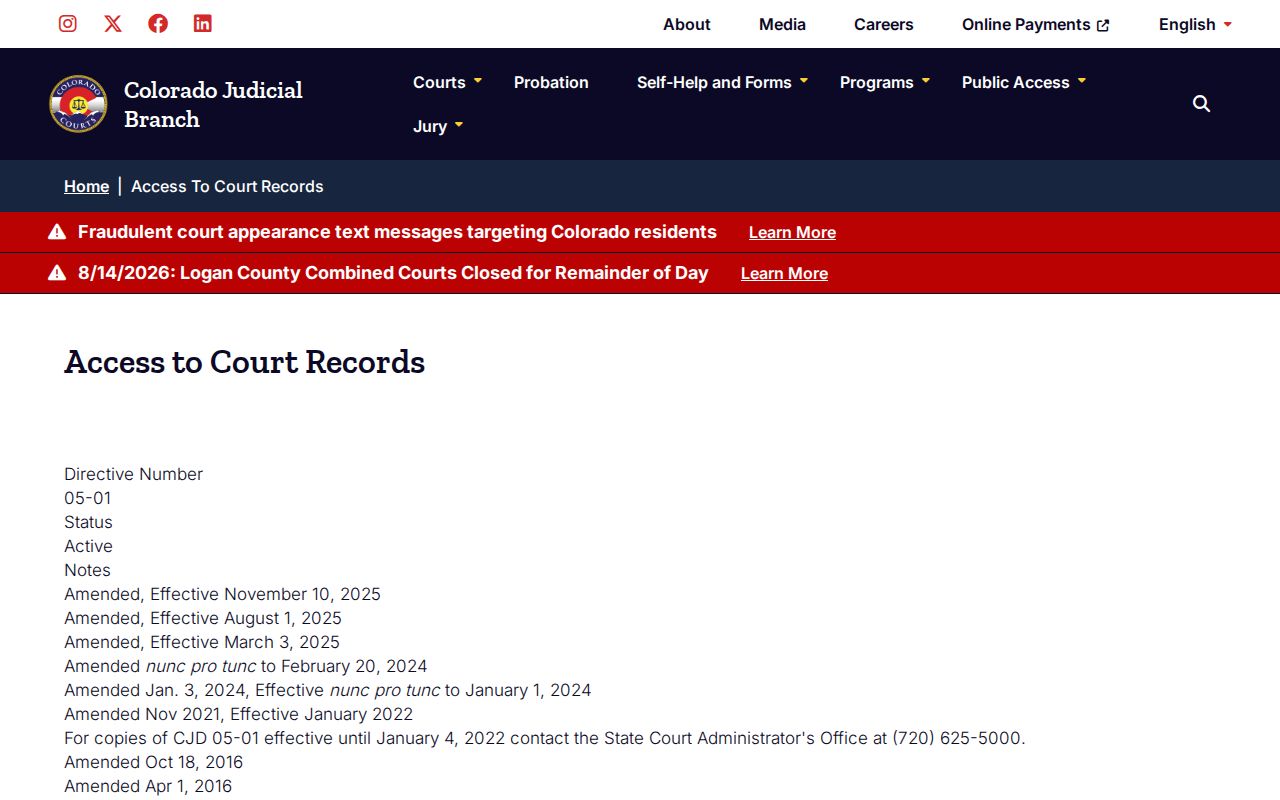
The directive's page draws the line between open calendar use and tighter limits on remote or sensitive case data. For the full set, the Chief Justice Directives index carries the current collection.
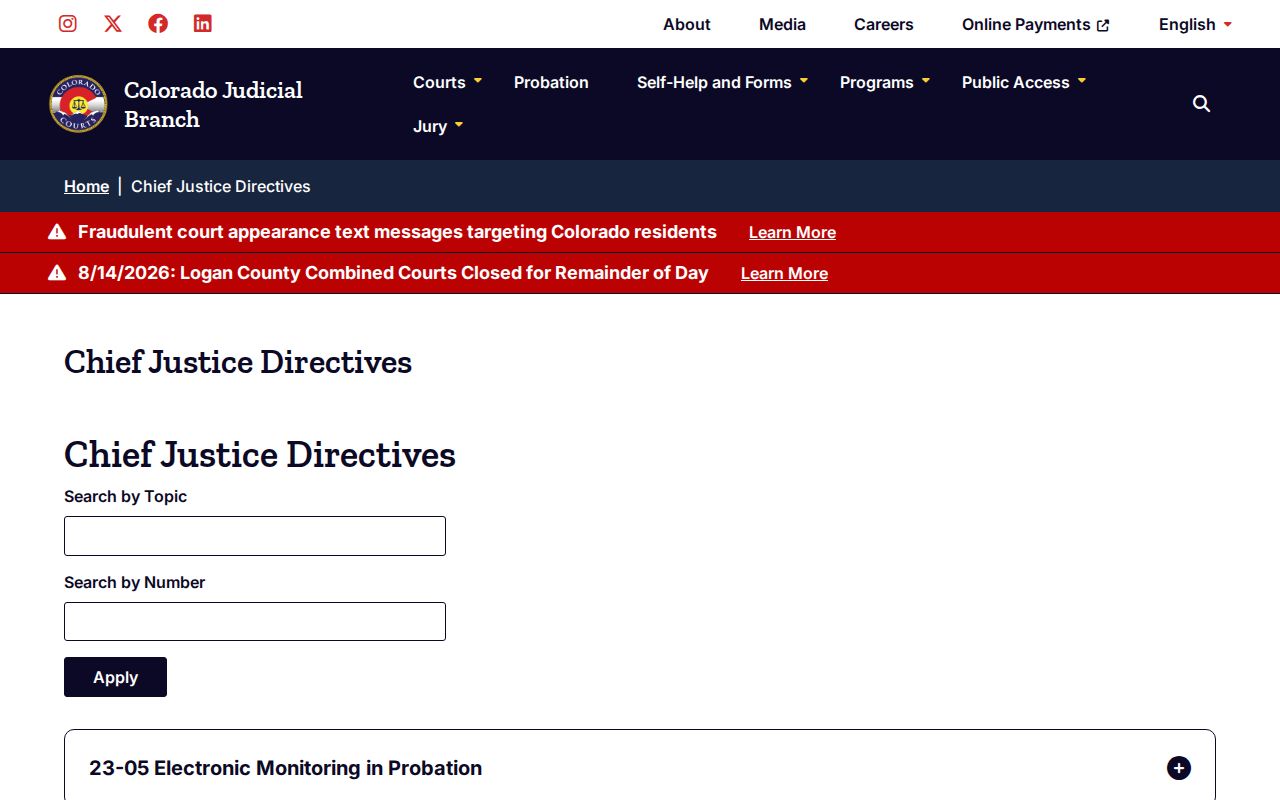
A saved copy of an access rule can go stale fast. For the controlling version of a Sedgwick County docket access rule, the index is the safer stop before you rely on what you saved.
Which Cases Stay Restricted
Not every Colorado court record is public. Juvenile delinquency and dependency files sit outside the ordinary adult record. So do adoptions, protected family content, victim or witness data, personal identifiers, and sealed material. Seeing a JD or JV choice in a search menu guarantees nothing. Identifying content may still stay hidden. Remote access can hold back contact details, non-summary financial information, and protected free text too. Colorado e-filing sorts visibility into a ladder. Public is broadly visible, and Protected becomes public only after redaction. Restricted goes to court staff, parties or counsel, and authorized criminal-justice users. Suppressed is narrower still. Sealed stays with judges and authorized Judicial staff unless an order allows access.
Restricted request: Contact Sedgwick Combined Court, state the relationship to the case and the exact record sought, and be ready to provide photo identification or a court order when required.
Restricted status is only one possible reason a result went missing. Wrong filters, no event in the date range, or a case that moved courts can all produce the same empty screen.
Sedgwick Search Is Not E-Filing
Colorado Courts E-Filing serves a different purpose. It submits and receives papers in supported matters. The public Docket Search it is not. Attorneys lean on it broadly, and self-represented users can opt in for supported domestic-relations and eviction cases. Having a filing account still does not make every case paper a public download, and the Judicial Branch e-filing access update spells out the recent identity-certification changes.
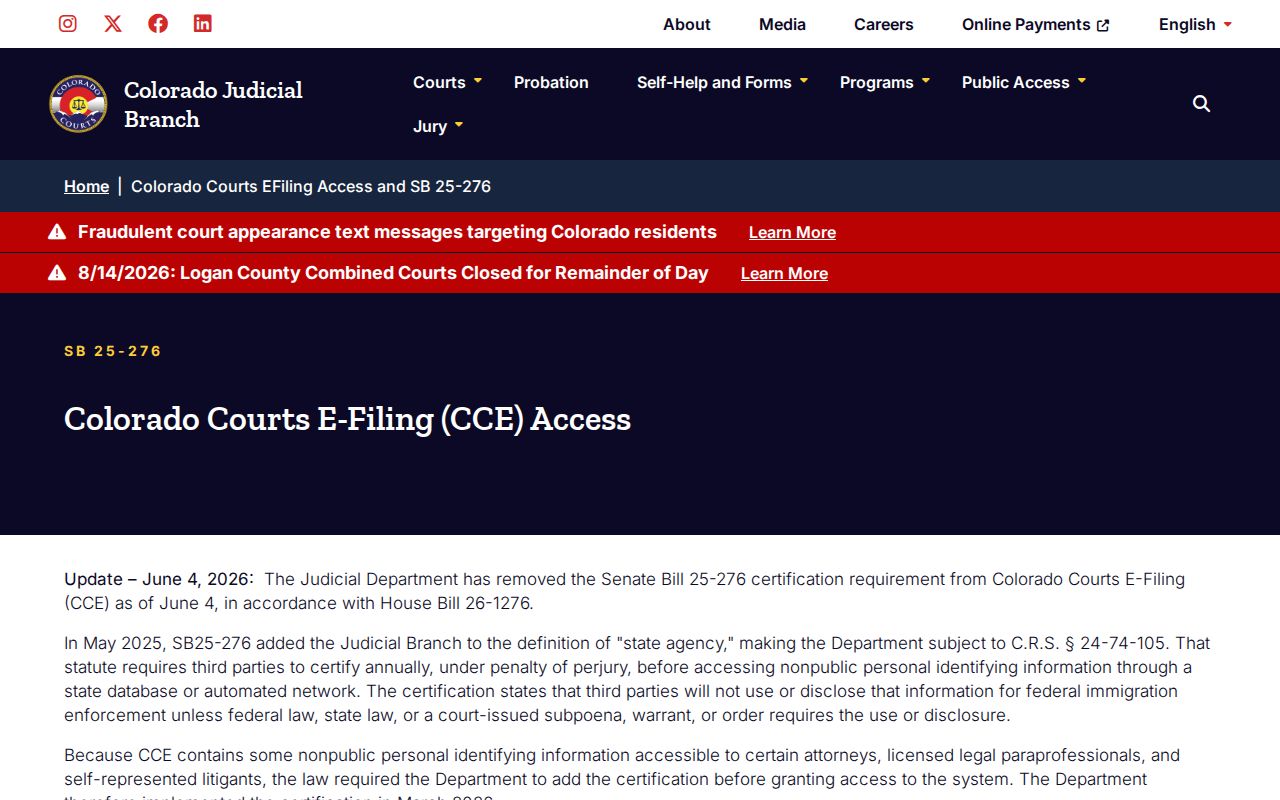
That update covers e-filing accounts only. Public Sedgwick County case lookup still runs through the calendar, vendor, and clerk channels described above. Need a filed pleading or order? Use the statewide Record/Document Request Form or contact the clerk. The ordinary three-business-day wording describes a response or triage step, not instant downloads or full completion of a large or offsite request.
Sedgwick Docket Search Modes
Match the search mode to the identifier you hold. Individual mode gives first- and last-name fields. Business mode offers a business-name field. Attorney mode accepts a name or a bar number. The switch matters, because text dropped into the wrong field group will not act like a broad keyword search of the docket. For a common party name, add the court level, class, or number parts. A bar number beats an attorney name for precision. Whatever the mode, check results against the full case number, setting, and location. The calendar publishes no party-role details, so never assign a role to a name on a card that the result does not show.
Sedgwick Docket Search for Old Files
The free date controls track hearings, not a full archive. Sedgwick County posts no local year cutoff, no microfilm inventory, and no promise that every old case lives online. When the docket search and CoCourts both come up empty, move to the clerk name-search channel or the statewide request form. Give the clerk the filing year and case type. Include Sedgwick as the county, party information, and any known number. A name search may cost up to $5. Offsite retrieval may carry actual cost. The clerk answers by phone, email, mail, fax, web request, or at the counter. Call before traveling for an older or suppressed file.
Sedgwick Docket Search Request Timing
The statewide form promises an ordinary response within three business days absent extenuating circumstances. That is a reply window, not a finish line. A large, redacted, certified, or offsite order can take longer, and the form is no instant case-download tool either. Name the exact product you want. An ROA is the event history. A named pleading or order is a filed paper. Certification authenticates a record. Clear identifiers cut the clerk's search work and help the right item come back. When you need proof, trust the clerk's official copy over an exported calendar or an unofficial vendor result.